An admin theme module
An admin theme as a module: tokens only, in light and dark.
An admin theme sets Light's colours, fonts and shapes through tokens, in light and dark. It ships as a separate module. Admin themes is the theme contract: the scoping rule, inheritance, dark schemes, fonts, every token and the contrast checklist. This page is the walk-through, and Acme_AdminTheme is the committed example.
When to use it
- A client or a brand wants its own colours in the admin. A brand package can pick the theme as its default (A brand package).
- One theme per brand or client, never one per module: a module's own screens use the tokens and fit every theme (Built for Light, rule 2).
- A theme changes tokens only. It never restyles components or targets internal selectors.
Steps
1. Scaffold it
bin/magento mrx:light:theme Acme_AdminTheme acme --label=Acme --parent=klassiekIt writes the module with its registration in etc/adminhtml/di.xml, a theme.css and a composer.json with extra.mrx-light-api. Acme_AdminTheme is that output, kept as generated.
2. Registration
A ThemePool item (pool themes) names the theme's label, its parent, its stylesheet and its swatches (Admin themes, section 2):
<item name="acme" xsi:type="array">The key platform limits a theme to Mage-OS or Magento Open Source. The Mage-OS themes use it:
<item name="platform" xsi:type="string">mage-os</item>3. The scoping rule
Every rule of the theme sits under :root[data-mrx-theme~="<code>"], so the theme applies only when it is chosen, and a child theme inherits its parent's rules (Admin themes, section 3).
4. Tokens only
- Set the
--mrx-*tokens at the theme root.--mrx-*names are reserved for core; a theme's private variables use--<theme code>-*. - The nav counters read
--mrx-color-nav-badge-bgand--mrx-color-nav-badge-text. Set those two instead of styling.mrx-nav__badge. - Set
--mrx-color-primary-text,--mrx-color-control-checked,--mrx-color-border-focus-inverse,--mrx-color-magicand--mrx-color-text-magicinstead of restyling buttons, checkboxes, focus rings and the AI accents. - Set
--mrx-color-surface-fieldand--mrx-color-surface-field-criticalfor input backgrounds, and--mrx-font-displayfor headings. - A dark scheme is a second set of the same tokens (Admin themes, section 6).
5. The palette rule
Run the contrast checklist of Admin themes, section 9 on the light and the dark scheme, the Returns list and view included.
What the admin sees
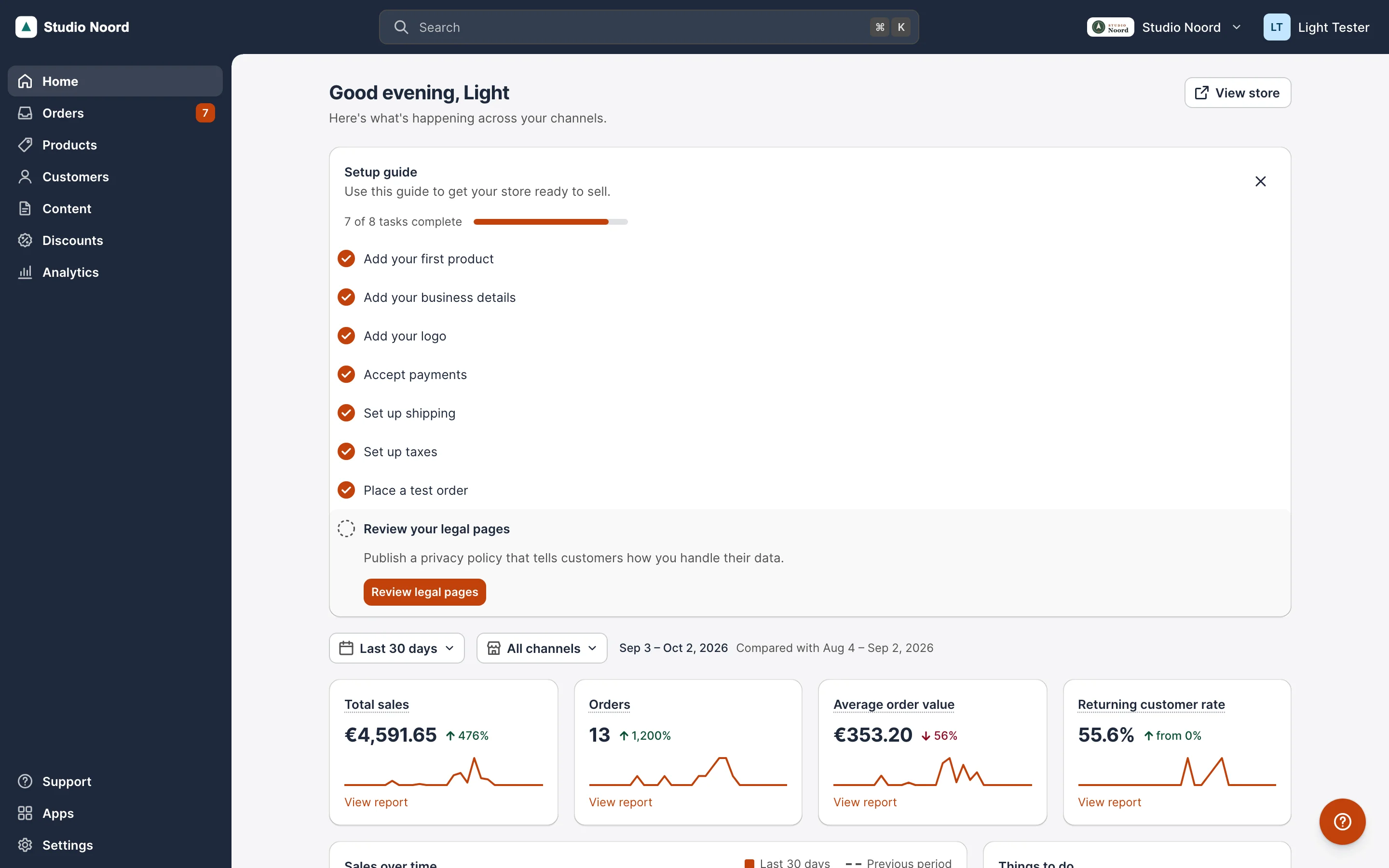
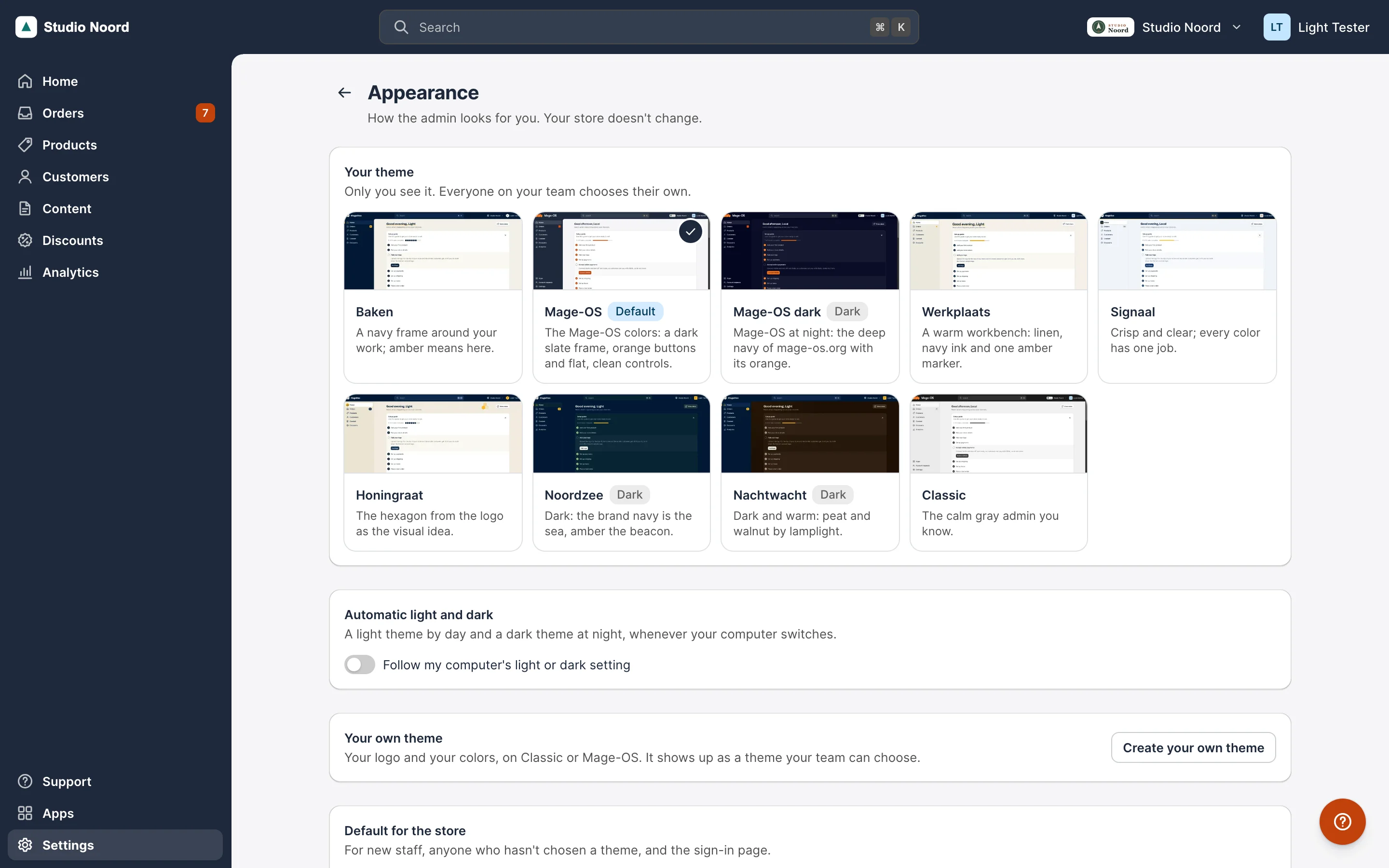
- Simple mode. Settings > Appearance lists "Acme"; choosing it sets
data-mrx-theme="acme klassiek"on the page. - Advanced mode. Light themes style the Light shell, so the stock screens keep the stock look.
ACL
Choosing a theme for the whole shop needs the Themes resource; each admin may pick their own.
Check it
bin/magento mrx:light:doctor --module=Acme_AdminThemereports no errors.tests/playwright/light-proof.spec.tstest 7 chooses the theme;tests/playwright/themes.spec.tsruns the checks of every built-in theme.
Pitfalls
- A literal colour on a component survives the dark scheme and breaks it; use tokens.
- Theme codes are stored per admin (
mrx_theme): never rename one (Versioning).
Last updated on